

Knowledge base
Rental answers by workflow
Use these articles to understand booking, paperwork, pickup, return, damage, troubleshooting, and production support before your rental starts.
New renter checklist
Everything to prepare before submitting a rental request or arriving for pickup.
Before you build the cart
- Choose the exact production dates, including prep, shoot, hold, travel, and return time.
- Confirm who is responsible for pickup, return, payment, and on-set equipment decisions.
- List any camera mount, lens mount, power, media, cabling, or rigging requirements.
Before pickup
- Bring a valid ID and payment method matching the rental account or approved production contact.
- Prepare insurance or deposit requirements for the replacement value of the equipment.
- Review included items so batteries, chargers, cables, plates, adapters, and cases are checked before leaving.
How to find and book equipment
A simple workflow for searching, comparing, adding items, and sending a rental request.
Search and compare
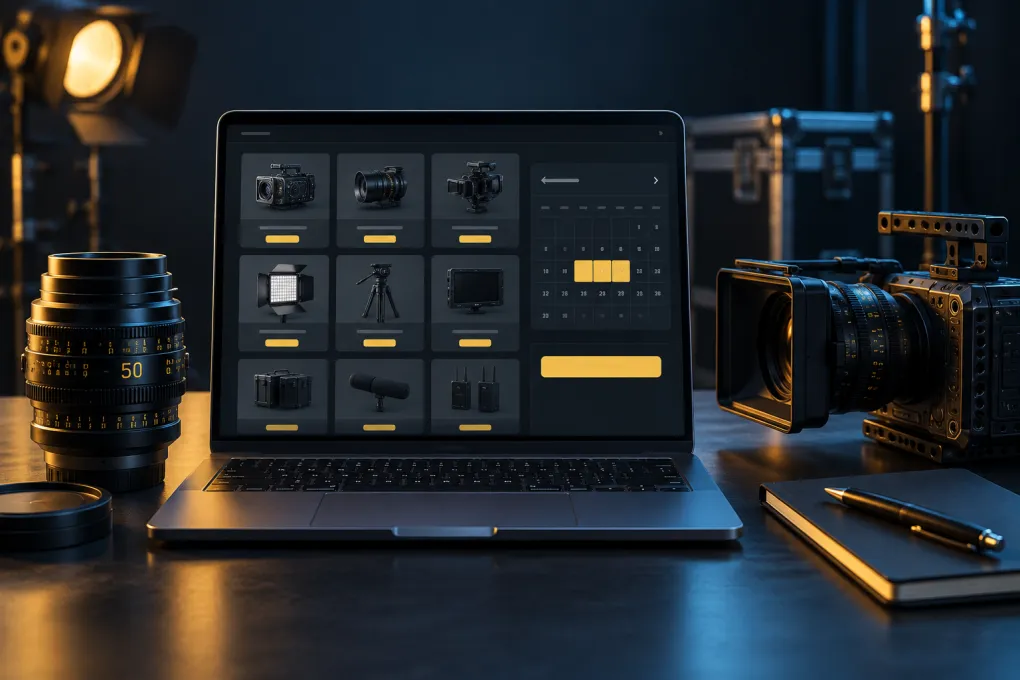
- Start from the Rental Finder, category pages, or package pages.
- Use product pages to compare specs, included items, required accessories, related gear, and FAQs.
- If an exact item is not available, ask support for an equivalent substitute before changing the creative plan.
Cart and confirmation
- Select start and end dates on bookable products before adding them to cart.
- Add accessories that complete the package, such as batteries, chargers, stands, cables, media, cases, and adapters.
- Submit checkout as a rental request. Staff confirms availability, pricing, and requirements before the order is final.
Insurance, COI, deposits, and replacement value
Understand what paperwork may be needed before high-value camera, lens, lighting, audio, and studio rentals.
Certificate of insurance basics
- A certificate of insurance may be required for higher-value rentals, production packages, or extended rental windows.
- Use replacement value, not rental price, when planning insurance coverage.
- Send COI questions early so support can confirm wording and coverage before pickup day.
Deposits and responsibility
- Deposit or authorization requirements may vary by account history, rental value, and equipment type.
- The renter is responsible for missing items, late returns, damage, loss, theft, and incomplete kits.
- Inspect the kit at pickup and ask questions before leaving if anything appears missing or unfamiliar.
Pickup, return, late returns, and inspection
What happens when gear leaves and returns to the rental house.
Pickup
- Arrive during the confirmed pickup window and allow time to review the package.
- Check cases, batteries, chargers, power cables, media, mounts, plates, adapters, and fragile components.
- Ask support to explain unfamiliar gear before leaving for set.
Return
- Return every item in the same cases and groupings whenever possible.
- Notify support before the due time if production changes may cause a late return.
- Returned gear may be inspected after drop-off; missing items or damage can be reconciled after the return is processed.
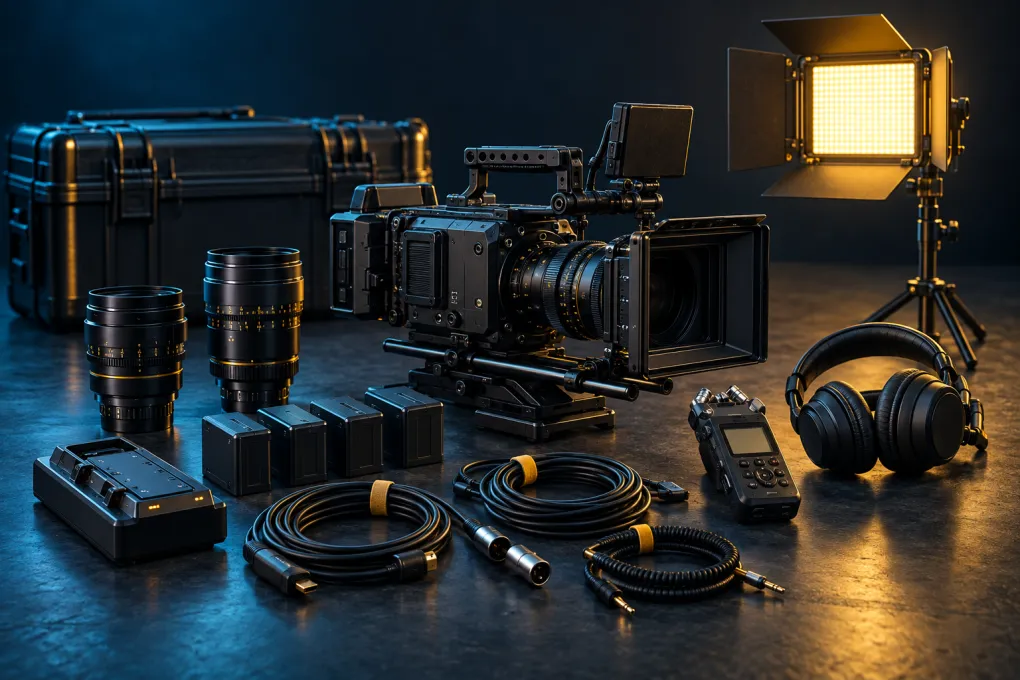
Package planning and required accessories
Build complete working packages instead of isolated product lists.
Common package checks
- Camera packages usually need lenses, batteries, media, cards, readers, power, cages, baseplates, matte boxes, follow focus, and monitoring.
- Lighting packages usually need stands, modifiers, sandbags, stingers, power distribution, dimmers, diffusion, flags, and grip hardware.
- Audio packages usually need microphones, recorders, lavs, booms, shock mounts, wind protection, batteries, media, headphones, and timecode support.
When to ask support
- Ask for package review when mixing unfamiliar cameras, lenses, wireless video, power, audio, or grip setups.
- Ask for substitutes if dates are tight or a specific brand/model is flexible.
- Send the shot type, location, crew size, power limitations, and delivery requirements when asking for recommendations.
Damage, missing parts, and on-set troubleshooting
What to do when something is damaged, missing, or not working as expected.
On set
- Stop using equipment if it appears unsafe, overheating, physically damaged, or electrically unstable.
- Contact support with the product name, issue, photos if useful, and what changed before the problem started.
- Do not attempt internal repairs, firmware changes, or disassembly unless support approves it.
At return
- Report missing or damaged items at return rather than waiting for inspection.
- Keep small parts in labeled bags or original case compartments so kits can be checked quickly.
- Damage, loss, and missing accessories may require follow-up billing after inspection.